ArticlesArticles Most Helpful ArticlesMost Helpful Articles Language SettingsLanguage Settings LoginLogin
RSS Feeds
DrillDown Icon Table of Contents Back
 . . . . . . . . . . . . .
DrillDown Icon Sales
DrillDown Icon Inventory Management
DrillDown Icon Material Planning
DrillDown Icon Production
DrillDown Icon Quality/Engineering
DrillDown Icon Administration
DrillDown Icon Accounting
DrillDown Icon Accounts Receivable (AR)
DrillDown Icon Accounts Payable (AP)
DrillDown Icon PO Receipt Reconciliation
DrillDown Icon Manual A/P Entries
DrillDown Icon AP Recurring Entries
DrillDown Icon A/P Aging
DrillDown Icon Payment Sheduling
DrillDown Icon Prerequisites
DrillDown Icon Introduction
DrillDown Icon Fields & Definitions
DrillDown Icon How To ....
DrillDown Icon Reports
DrillDown Icon Check Register Reports
DrillDown Icon AP Offset
DrillDown Icon Debit Memo
DrillDown Icon General Ledger (GL)
DrillDown Icon Bank Reconciliation
  Email This ArticlePrint PreviewPrint Current Article and All Sub-Articles
 
Check Register Reports

To obtain the Check Register Reports within the Web, select the WEB Print button from the ManEx action buttons at the top of the screen. For further detail on How the Reports work within the Web refer to Article #5477.

Note: In order to access the Reports within the Web the Company Root URL must be setup within the System Appearance module and user must be linked to web within the System Security Module.


Select the Report Type:  CHECK REGISTER - A List of Reports will be displayed that are available on the Web for Check Register
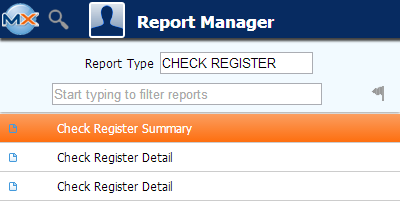


The information will be based on the criteria selected in the Check Register screen.

Once the display is as desired, select the Print button from the ManEx action buttons at the top of the screen.


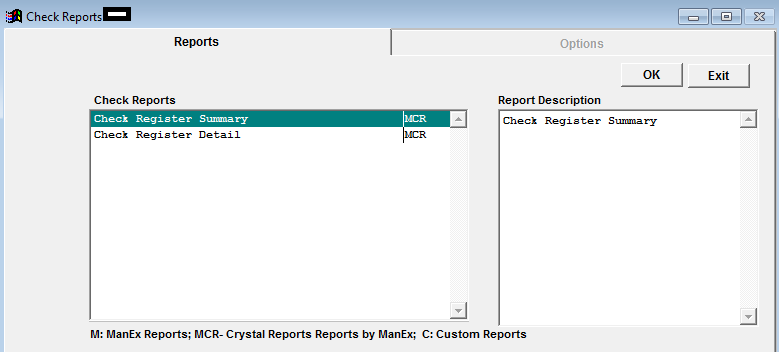
The following reports screen will display a list of reports that are available on the ManEx Desktop:   


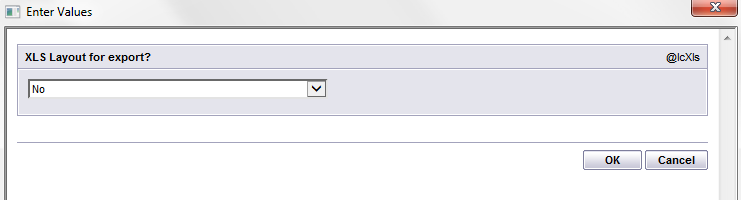
Highlight the desired report and depress the OK button.


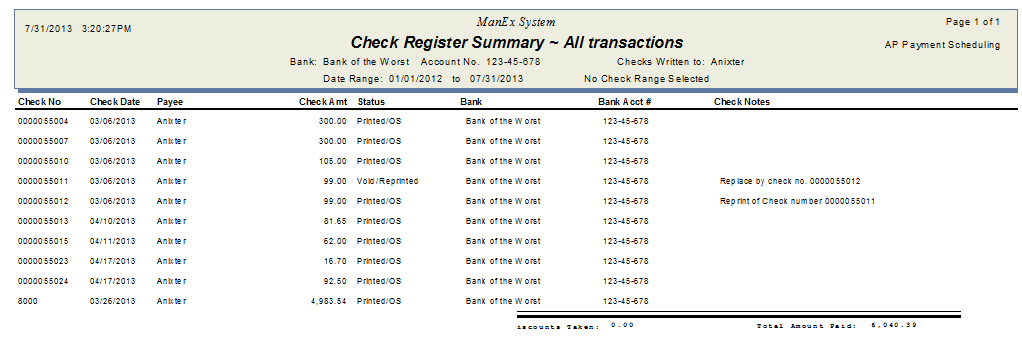
Check Register Summary Report


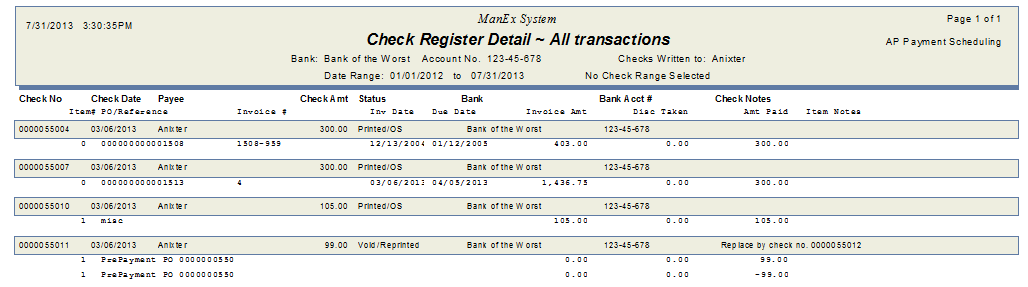
Check Register Detail Report


Article ID: 4675